


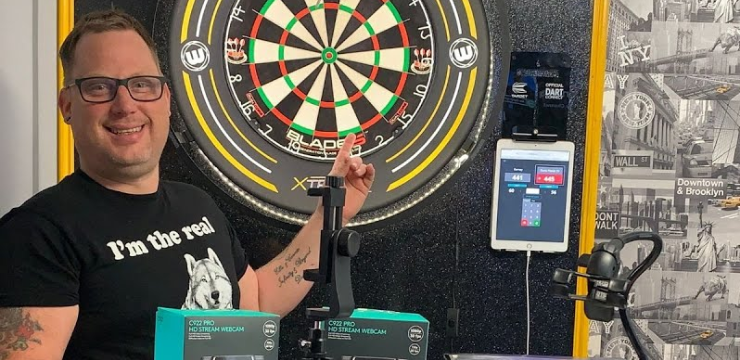
In the video above we walk through how easy it actually is to get started with online steel-tip darts – from the simplest “phone on a bracket + scoring app” setup through to optional webcam rigs and streamer-style split screens. This guide pulls all the key bits into one place so you can pick the level that suits you and get playing without overthinking it.
Before we dive in, a quick mindset check:
You do not need a studio, fancy lighting, or broadcast software to play online. For most league nights and casual comps it’s trust-based – your opponent just needs to see your board, and both of you need a way to enter scores. Everything else (webcams, tripods, USB hubs, OBS) is optional polish, not a requirement.
The minimum you actually need
For a basic online steel-tip setup you just need:
-
1 × camera
-
Phone or webcam
-
Mounted so it clearly shows your dartboard rings / segments
-
-
1 × second device
-
Phone, tablet, laptop or PC
-
Used for your online darts platform (e.g. LiveDarts or similar) and/or video call
-
-
Stable internet connection
-
Wi-Fi or wired – enough for a simple video call
-
-
A way to mount the camera
-
Simple phone clamp/arm
-
Or a bracket / clip / tripod if you’re using a webcam
-
That’s genuinely enough to play proper online legs.
Nice-to-have extras (but not essential)
These are things shown in the video that can make life easier or tidier:
-
Flexible clamp/boom arms for phones
-
Webcams (e.g. Logitech C920-style, or cheaper 20–30 quid models)
-
“Smart tree” style desk clamps with a webcam mount
-
Mini or full-size tripods you can stand on a table or floor
-
USB extension leads (male–female) to reach your PC cleanly
-
USB hubs (Belkin/Anker-style) if you want to run multiple webcams
-
Cable clips / trunking / tape to keep wires neat and out of the way
You can start with almost nothing, then add any of these if you enjoy playing and want to upgrade.
Before you start
Do these quick checks first:
-
Board & oche set up normally
-
Standard height and distance – keep everything as you’d play in person.
-
-
Lighting:
-
Make sure the board is evenly lit – not dark, not blasted with glare.
-
If the board looks clear to your eyes, it’s usually clear enough for the camera.
-
-
Agree your software with your opponent:
-
Video call: Skype, FaceTime, WhatsApp, Zoom – whatever you both already use.
-
Scoring: LiveDarts or any online darts scoring platform that supports remote matches.
-
-
Test your internet briefly:
-
Start a quick video call and check the picture of your board looks clear.
-
Once that’s done, you’re ready for the simplest possible setup.
Option 1 – The simplest setup: phone on the board + scoring app
This is the easiest way to get going and is enough for most online leagues.
What you’ll use
-
Phone #1 – mounted so its camera points at your dartboard
-
Device #2 (phone / tablet / laptop) – running your scoring platform
Step-by-step
-
Mount your phone at the board
-
Use a small phone bracket / arm clipped to or above your board.
-
Angle it so the full scoring area (at least treble/bull area) is clearly visible.
-
For trust-based play, it doesn’t need to show you throwing – just the board.
-
-
Start a video call with your opponent
-
Use Skype / FaceTime / WhatsApp etc. on the phone pointing at the board.
-
Position it so they can clearly see where your darts land.
-
-
Open your scoring platform on device #2
-
Example: LiveDarts on an iPad or laptop.
-
Create/join your online match; your opponent does the same at their end.
-
-
Play as normal
-
Throw your three darts.
-
Read your score (e.g. 56) and enter it into the scoring site/app on device #2.
-
Your opponent does the same – scores update on both sides.
-
That’s it – one camera on the board, one device for scoring, and you’re playing online.
Option 2 – Using webcams instead of phones
If you don’t want to tie up your phone, or you prefer a more “fixed” rig, webcams are a great step up.
What you’ll use
-
Webcam – anything from a budget £20–30 model up to a Logitech C920-style cam
-
Laptop / PC – to take the webcam feed and run your video call + scoring
Mounting options from the video
-
Wall-mounted bracket
-
Screw a small bracket above/near the board and attach the webcam there.
-
Run the webcam’s USB cable neatly down the wall to your computer.
-
-
Desk clamp (“smart tree”)
-
Clamp it onto a shelf, table, or unit near the board.
-
Screw the webcam into the mount, bend the arm until the board fills the frame.
-
-
Tripod
-
Mini or full-size tripod standing on the floor or a table.
-
Great if you can’t or don’t want to screw anything into a wall.
-
Wiring & tidying
-
Plug the webcam into your PC/laptop via USB.
-
If the supplied cable is too short, use a USB extension (male–female).
-
Use cable clips / tape to tack the wire neatly along the wall or skirting.
Everything else works the same as the phone setup: webcam → video call → opponent sees the board; you use your device (often the same laptop) for scoring.
Option 3 – “Streamer-style” split screen (optional)
This is for people who want to stream or record matches, not just play.
You’ll need:
-
Two cameras – typically:
-
One on the board
-
One facing you (player cam)
-
-
A PC or laptop capable of running:
-
OBS, Streamlabs, or similar streaming software
-
How it works (high level)
-
Plug both cameras (e.g. two webcams) into your PC.
-
In OBS/Streamlabs, add:
-
A “board” camera source
-
A “player” camera source
-
-
Arrange them in a split-screen layout (e.g. board left, you right).
-
Use this combined view for your stream or recording.
You don’t need this for normal online play – it’s purely if you want that professional, broadcast-style look like Gav uses on live Sunday streams.
Hardware & budget notes from the video
From the gear shown:
-
Logitech C920-style webcams
-
Roughly £80–£100
-
Great quality but not essential for starting out.
-
-
Budget webcams
-
Around £20–£30
-
Fine for basic online play – just avoid the absolute rock-bottom options where image quality suffers.
-
-
Phone + bits budget
-
If you already have a smartphone, you can get:
-
A cheap clamp/arm or mini tripod
-
Basic accessories
-
-
For around £20–£30, you can be fully set up and ready for online tournaments.
-
Quick-start checklist
Use this to make sure you haven’t missed anything.
Basic setup
-
Board at normal height & distance with decent lighting
-
Phone or webcam mounted so all scoring segments are clearly visible
-
Second device (phone/tablet/laptop) ready for scoring platform
-
Video call app installed and tested with your opponent
-
Internet connection stable enough for a straightforward video call
If using a webcam
-
Webcam mounted (bracket, clamp, or tripod) and angled at the board
-
USB cable routed safely (clips/tape, no trip hazards)
-
Webcam recognised by your PC/laptop and selected in your video app
If going “streamer mode”
-
Two cameras plugged in (board + player)
-
OBS/Streamlabs installed
-
Split-screen scene created and tested
In short
Online steel-tip darts doesn’t need to be complicated: one camera pointed at the board, one device to enter scores, and a simple video call between you and your opponent is all it takes. Start with your phone and a cheap clamp if that’s what your budget allows, then add webcams, tripods, and flashy split-screen software later if you catch the bug. The important part isn’t the kit – it’s that both of you can see the board clearly and enjoy playing.

Everything for your next throw
Move from reading to finding, buying, comparing and playing without leaving the connected DRTV platform.
 READY
CHECK FIT
DARTS IQFind your perfect setup
Use your throw profile to discover darts that fit the way you actually play.
START DARTS IQ Red Dragon Bullhitters V1 90% Tungsten Steel Tip Darts versus Shot Michael Smith Tenacious 90% Soft Tip Darts DARTS BATTLEWho wins this battle?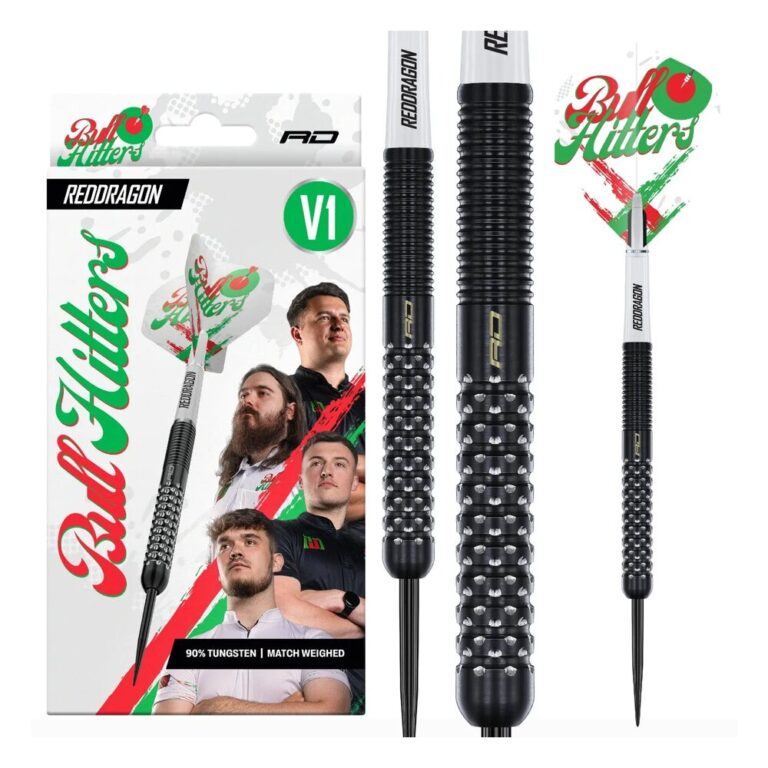
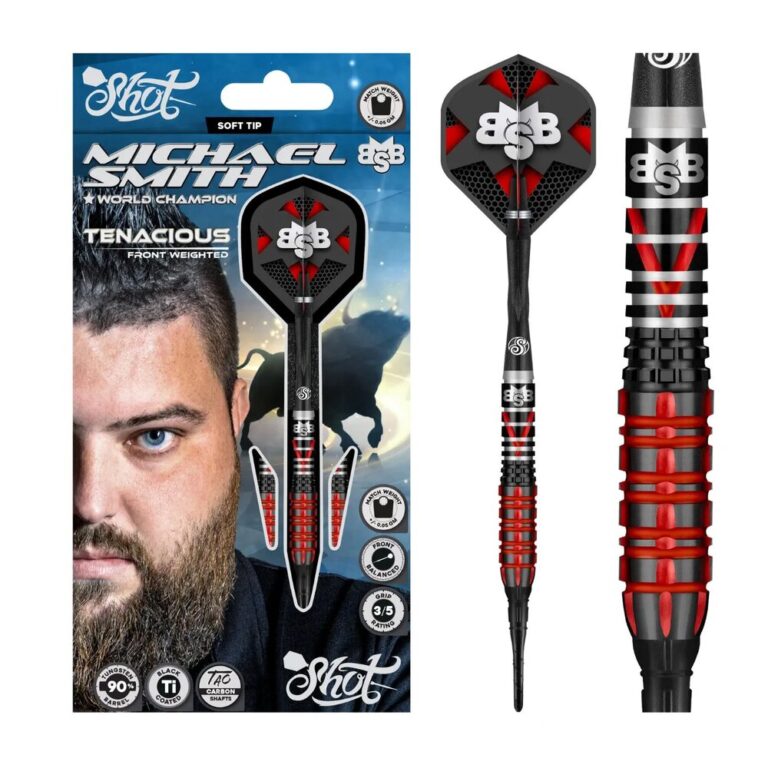
Two real darts. One head-to-head. Pick your winner.
PICK YOUR WINNER MARKETPLACEWinmau Blade 360 Triple Core Dartboard – Official PDC Match Quality
A live pick from the DRTV Marketplace, selected by Shop and backed by the DRTV Database.
EXPLORE MARKETPLACE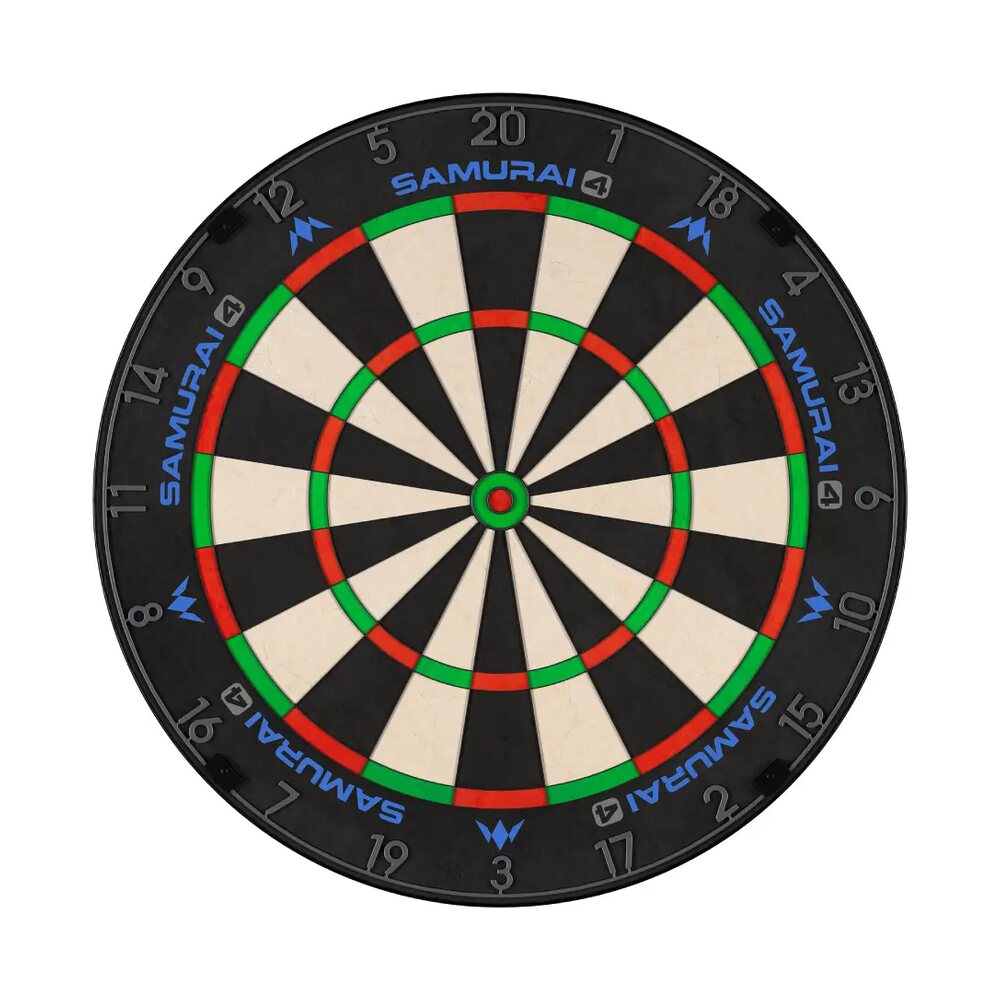







Join the conversation
Write a comment+